An icon that stays readablein the 16 px toolbar
Draw the icon with your coding agent, then verify it in Chrome, Firefox and Edge toolbar mockups — one command, no upload.
$ npx @extenshi/cli icon preview icon.svg --name "Tab Pilot"

Icon preview written to tab-pilot-icon-preview.html
Opening in your default browser…
Stores review the 128 px icon. Users live with the 16 px one.
Thin strokes dissolve, mid-grays melt into the toolbar, margins shrink the artwork. The report catches all of it before you ship.
One self-contained HTML page
Everything below renders locally from a single file — it opens from disk and works offline.
Toolbar mockups
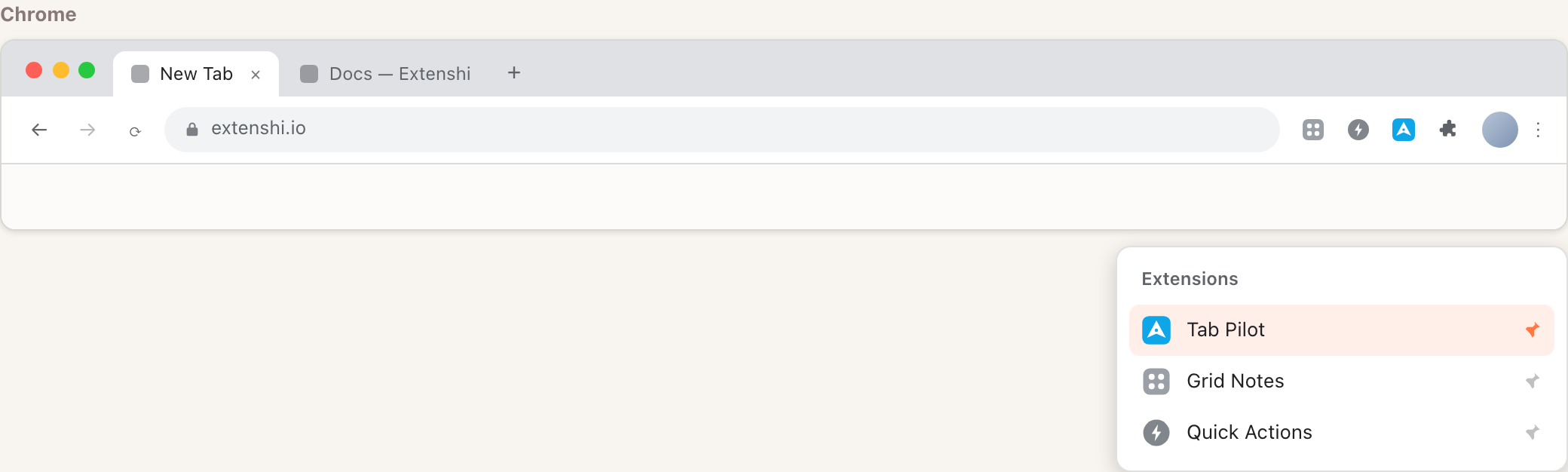
Your icon pinned in Chrome, Firefox and Edge — with neighbor extensions and the extensions menu, exactly where users will see it.
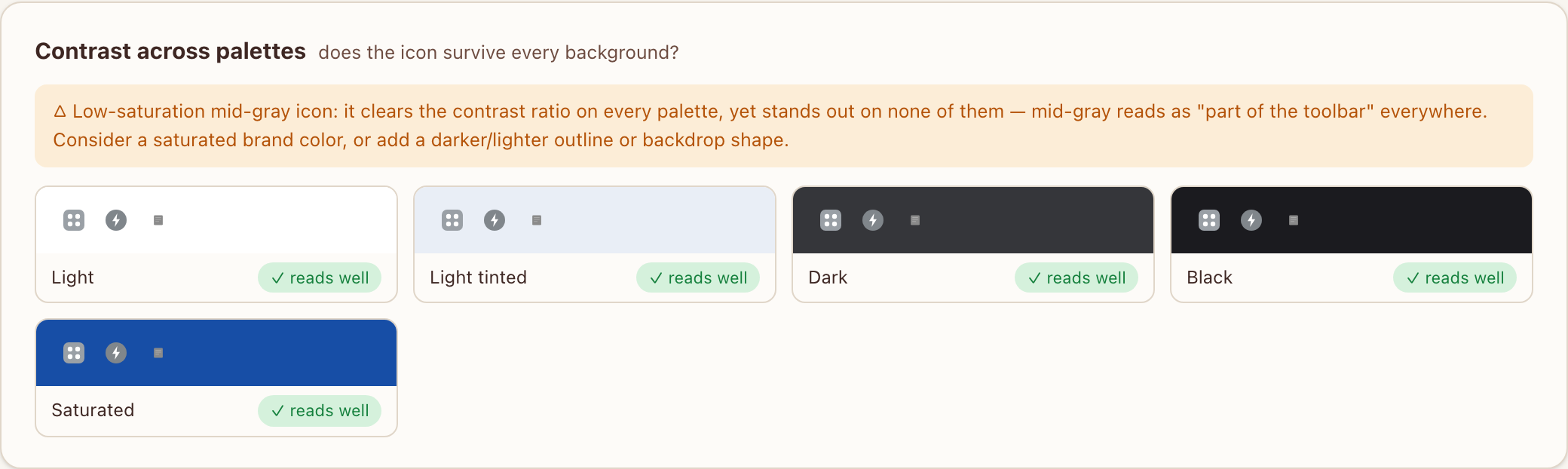
Contrast across palettes
Light, tinted, dark, black and saturated toolbars at once — with an automatic warning when the icon melts into a background.
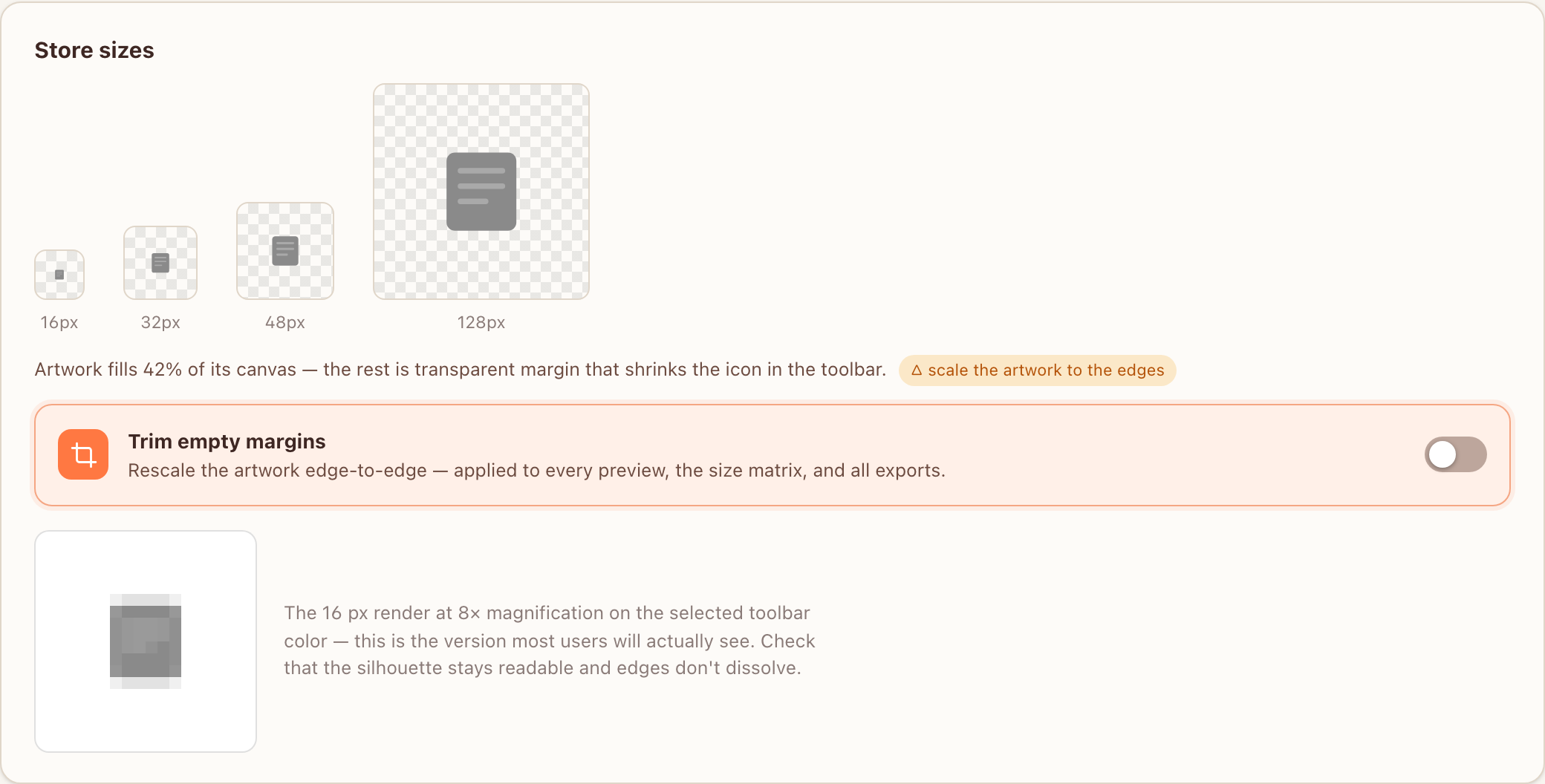
Store sizes, canvas check & 8× magnifier
All four store sizes, a pixel-level look at the 16 px render, and a one-click trim when the artwork leaves empty margins.
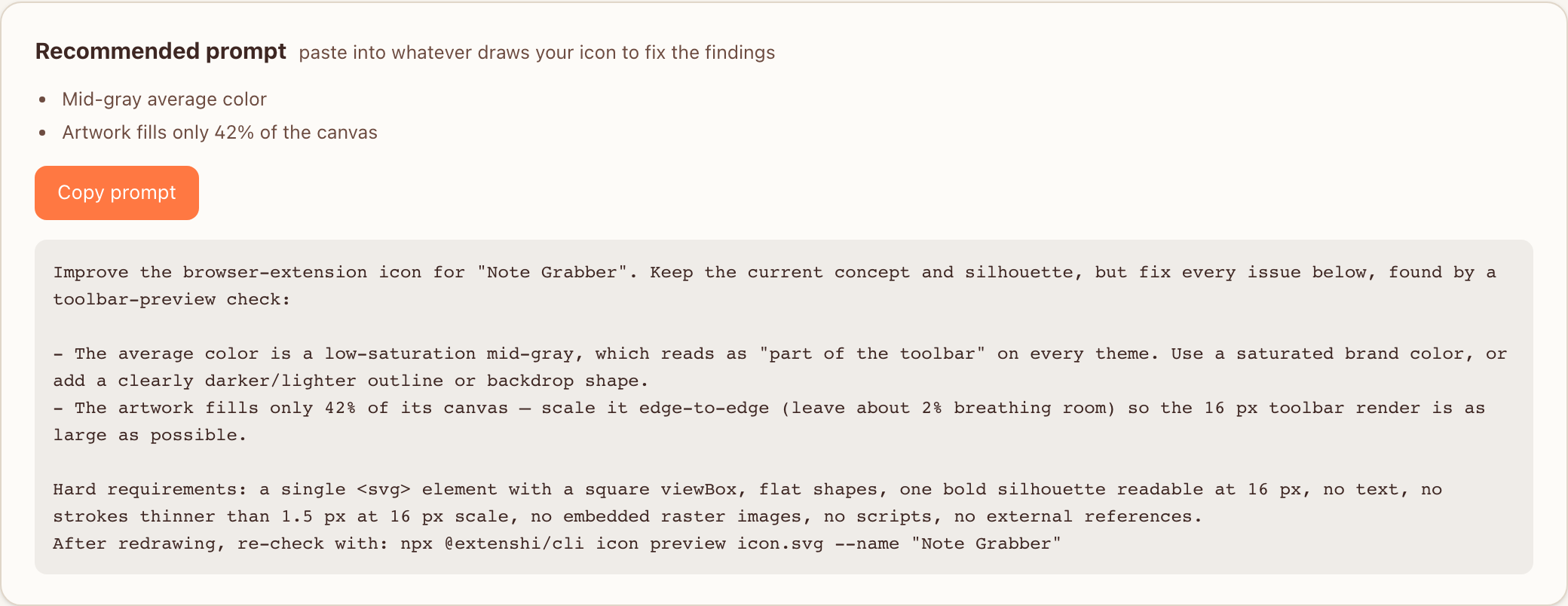
Recommended prompt
NewEvery detected problem becomes a ready-to-paste improvement prompt — feed it back to whatever draws your icon.
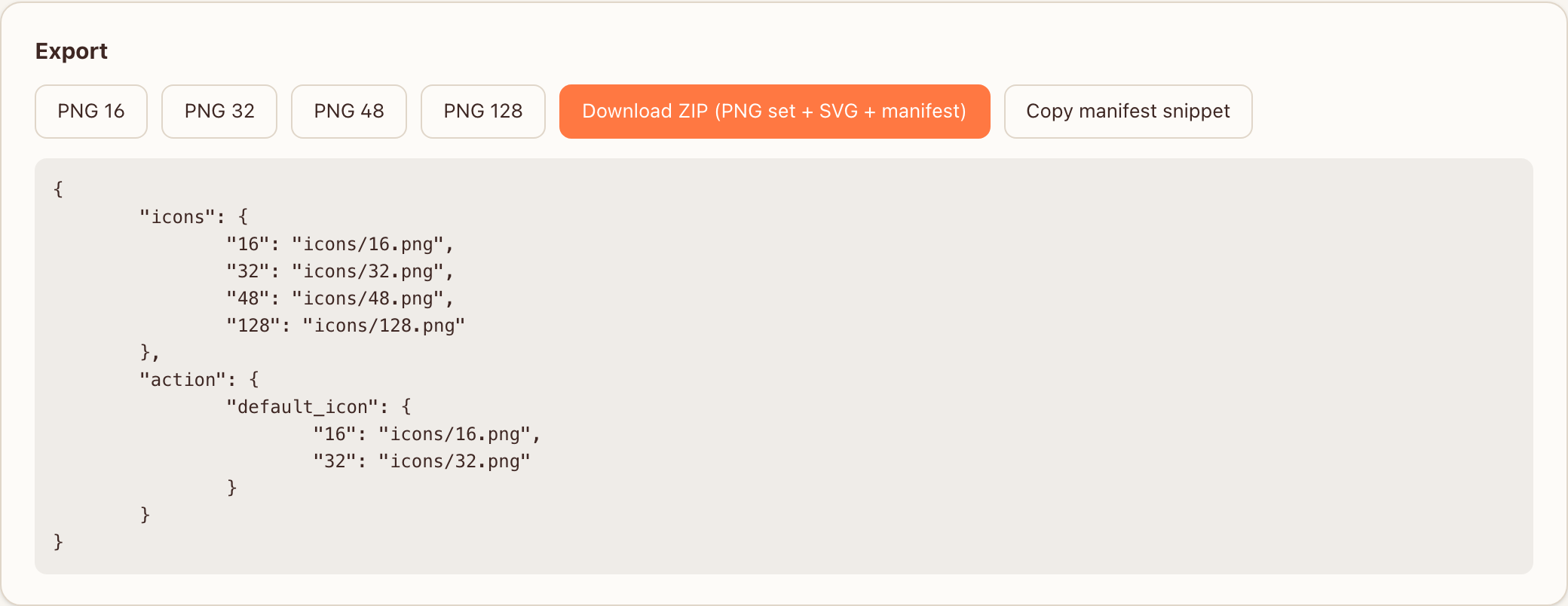
Export
Per-size PNGs, a ZIP with the SVG master, and a copy-paste manifest snippet.
Two example reports, straight from the CLI
Real output of one command each — open them in a new tab.
Three free ways in, same report out
From your terminal
npx @extenshi/cli icon preview icon.svg — renders the report from a local .svg or .png.
From your AI agent
The generate_icon_workflow tool on the Extenshi MCP server hands your agent the requirements and commands.
As an agent skill
Install the extension-icon-design skill — your agent draws, verifies and exports on its own.
What every run gives you
Palette switcher
Five presets plus a custom toolbar color picker, applied to every mockup live.
Margin trim
Detects wasted transparent margins and re-crops the artwork edge-to-edge in one toggle.
Nothing leaves your machine
The CLI reads a local file and writes a local HTML page. No network, no telemetry on the icon.
Full requirements, workflow and command reference live in the icon generator docs →
Generate the icon from a description
Type what you want, pick a style and colors, get an SVG — then verify it in the same report.
Hosted icon generator
Runs in your dojo — no local setup. Two generations are free, one-time; after that it draws on prepaid icon credits — their own pool, separate from reads and scans, and they never expire. See pricing.
More developer tools
MCP server
The cross-store catalog and scanner, inside your AI tools.
CLI
Scan and predict review outcomes from your terminal.
Manifest generator
A guided MV3 manifest that passes store review.
Pin guide
Illustrated steps that get your extension pinned to the toolbar.
Uninstall feedback
A hosted exit survey — find out why users leave.
Policy generator
A store-ready privacy policy from your permissions.
Check your icon before users squint at it.
One command, an offline report, store-ready exports — and a fix-it prompt when something is off.
Free · offline · no account · Chrome, Firefox and Edge.